

Table of Contents
FileGator is a modern, web-based file manager written in PHP. It’s a clean alternative to outdated tools like net2ftp and works reliably on Debian Server with Apache.
Step 1: Update System Packages
Start with a clean system.
sudo apt update && sudo apt upgrade -y
Step 2: Install Apache and PHP
FileGator requires PHP and a web server.
sudo apt install -y apache2 php php-cli php-common php-mbstring php-json php-zip php-curl php-gd unzip
Enable Apache:
sudo systemctl enable --now apache2
Verify PHP:
php -v
Step 3: Download FileGator
Move to the web root:
cd /var/www/
Download the latest release:
sudo wget https://github.com/filegator/filegator/releases/latest/download/filegator.zip
Extract and rename:
sudo unzip filegator.zip
sudo mv filegator-master filegator
Set permissions:
sudo chown -R www-data:www-data /var/www/filegator
sudo chmod -R 755 /var/www/filegator
Step 4: Configure Apache Virtual Host
Create a new site configuration:
sudo nano /etc/apache2/sites-available/filegator.confAdd:
<VirtualHost *:80>
    ServerName your-domain.com
    DocumentRoot /var/www/filegator/public

    <Directory /var/www/filegator/public>
        AllowOverride All
        Require all granted
    </Directory>

    ErrorLog ${APACHE_LOG_DIR}/filegator-error.log
    CustomLog ${APACHE_LOG_DIR}/filegator-access.log combined
</VirtualHost>
Enable site and rewrite module:
sudo a2ensite filegator.conf
sudo a2enmod rewrite
sudo systemctl reload apache2
Step 5: Access FileGator Web Interface
Open in browser:
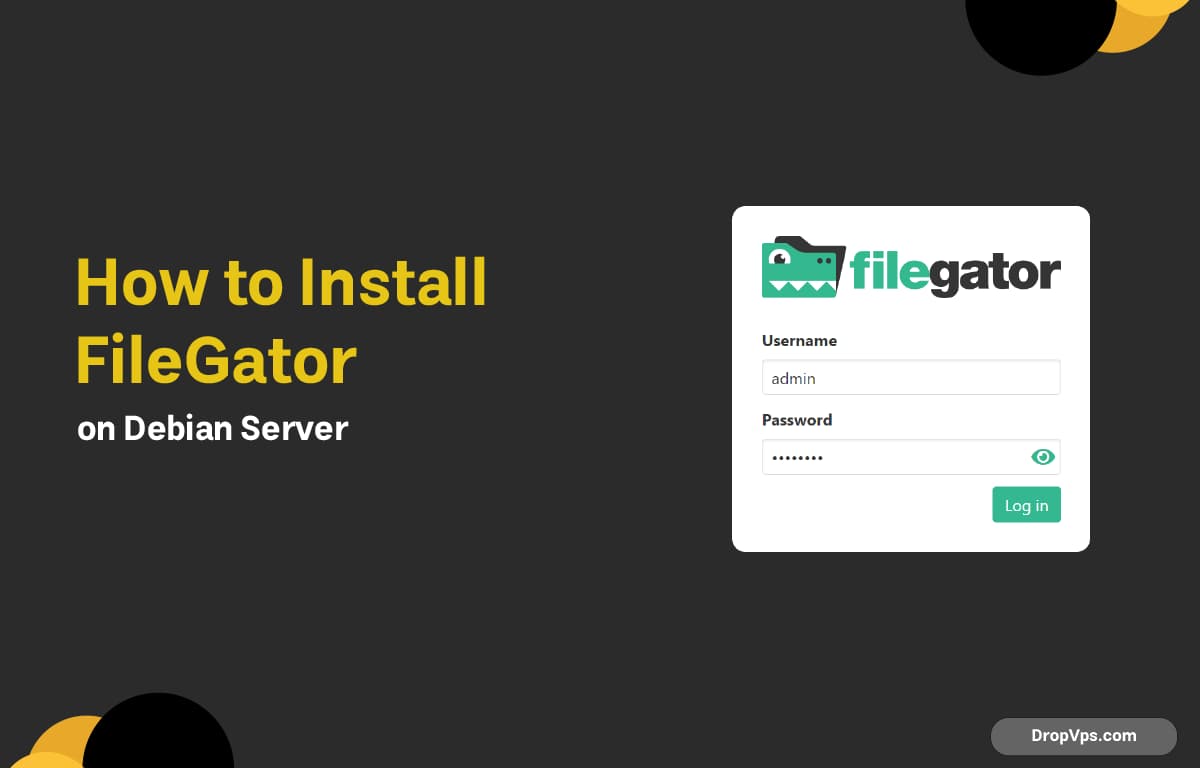
http://your-server-ip/ or http://your-domain.com/Default login:
Username: admin
Password: admin
Follow DropVPS on Google
Add DropVPS as a preferred source to see our latest VPS guides and tutorials surfaced first in Google Search and AI Overviews.
🐧Linux VPS
Need a Linux Server for This?
Run Debian, Ubuntu, or any Linux distro on DropVPS — fast NVMe SSD, full root access, and 24/7 support. Perfect for everything you just read.
- Full Root Access
- Debian & Ubuntu Ready
- 99.99% Uptime
- 24/7 Support
Get Linux VPS →
No commitment · Cancel anytime
U
Loading...