


How to Install Watchtower on a VPS for Docker Update Notifications
Learn how to install Watchtower on a VPS to automatically update Docker containers and get real-time notifications when updates happen. Step-by-step guide.
Read More
700+ in-depth VPS tutorials — Linux and Windows server admin, Docker, Nginx, VPN/proxy setups, WordPress hosting, and Forex MT4/MT5 on VPS. Fresh guides from the DropVPS team.
Learn how to install Watchtower on a VPS to automatically update Docker containers and get real-time notifications when updates happen. Step-by-step guide.
Install SoftEther VPN Server on Windows Server in 2026. Download the official installer, pick the right component, and verify the service is running.

Listmonk is an open-source, self-hosted newsletter and mailing list manager written in Go. It handles subscribers, lists, segmentation, campaigns, templates, and analytics from a single binary backed by PostgreSQL.
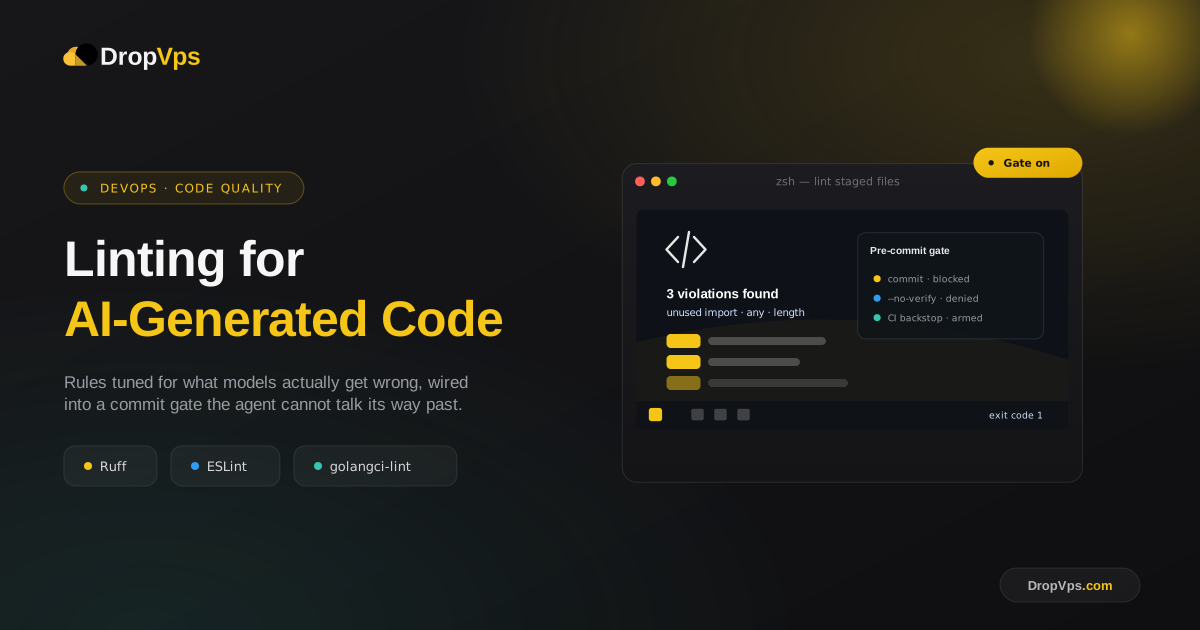
Code that an AI agent produces usually compiles. That is a much lower bar than code you want to merge.
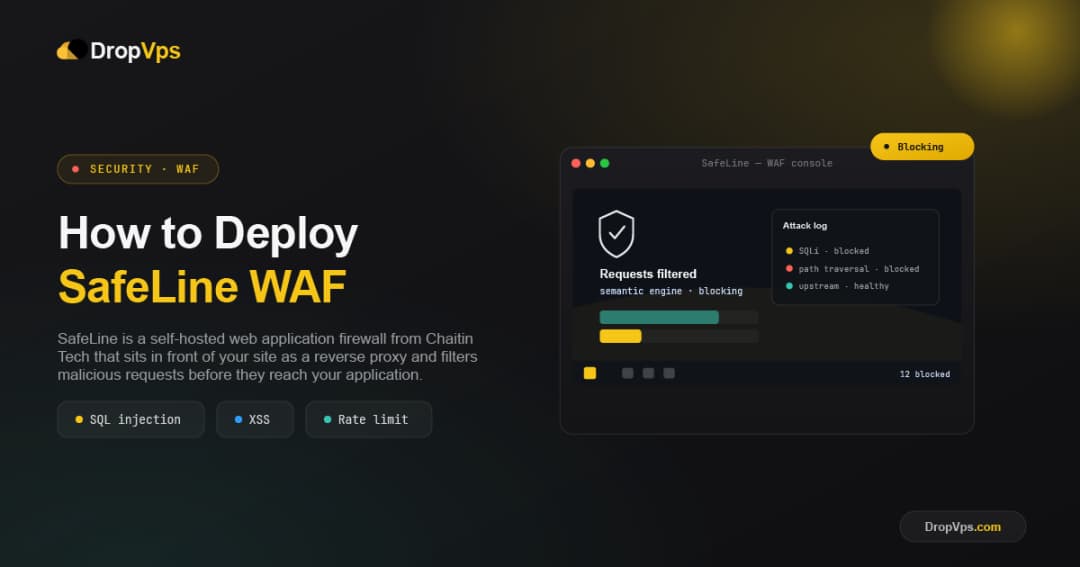
SafeLine is a self-hosted web application firewall from Chaitin Tech that sits in front of your site as a reverse proxy and filters malicious requests before they reach your application.
Coolify is an open-source, self-hosted platform for deploying applications, databases, and services on your own server.
Synthetic monitoring is the practice of running a predefined script against your application at a fixed interval and asserting on the result.

Secret rotation is the practice of periodically replacing sensitive credentials, such as SSH keys, API keys, and database passwords, with new ones on a VPS. The goal is to limit how long any single credential stays valid, so a leaked or stolen secret becomes useless once it's rotated out.
Uptime Kuma is a free, open-source, self-hosted monitoring tool that tracks the availability of your websites, APIs, and services in real time, with a clean dashboard and built-in alert notifications. This guide walks through installing it on a VPS using Docker.