Cooper Reagan
539 posts

How to install softether vpn server on ubuntu 24.10
What you will read?1 Step 1: Update Your System2 Step 2: Download SoftEther VPN Server3 Step 3: Extract and Compile4 Step 4: Move and Set Permissions5 Step 5: Create a Systemd Service6 Step 6: Configure VPN Server Installing SoftEther VPN Server on Ubuntu 24.10 is a great way to run a powerful multi-protocol VPN. Here’s…
How to restart network service in linux
What you will read?1 For Systemd-Based Systems (Ubuntu 18.04+, Debian 10+, CentOS 7+)2 For Older Ubuntu/Debian (Without systemd)3 For RHEL/CentOS without NetworkManager4 For Netplan (Ubuntu 20.04+)5 Reloading DNS Only (Optional) Restarting the network service is essential when making changes to IP, DNS, or interface configurations. The command differs based on the Linux distribution and the…

How to install V2Ray on Docker?
What you will read?1 Step 1: Create a Configuration File2 Step 2: Pull the V2Ray Docker Image3 Step 3: Run the Container4 Step 4: Check Logs5 Step 5: Update or Stop the Container (Optional) configuration file, and run the container. Let’s get right into it. Step 1: Create a Configuration File Make a folder for…

How to install v2ray on debian
What you will read?1 Step 1: Update System Packages2 Step 2: Install Required Dependencies3 Step 3: Download and Run the Official V2Ray Installation Script4 Step 4: Configure V2Ray5 Step 5: Enable and Start V2Ray Service6 Step 6: Allow the Port Through Firewall (if enabled) Installing V2Ray on Debian is simple if you follow the right…
How to enable wlan0 in kali linux
What you will read?1 Step 1: Check if wlan0 Exists2 Step 2: Enable the Interface3 Step 3: Verify Wireless Adapter is Recognized4 Step 4: Check rfkill Status5 Step 5: Install or Load Proper Driver If wlan0 is not showing or not working in Kali Linux, here’s how to enable it step by step. Step 1:…
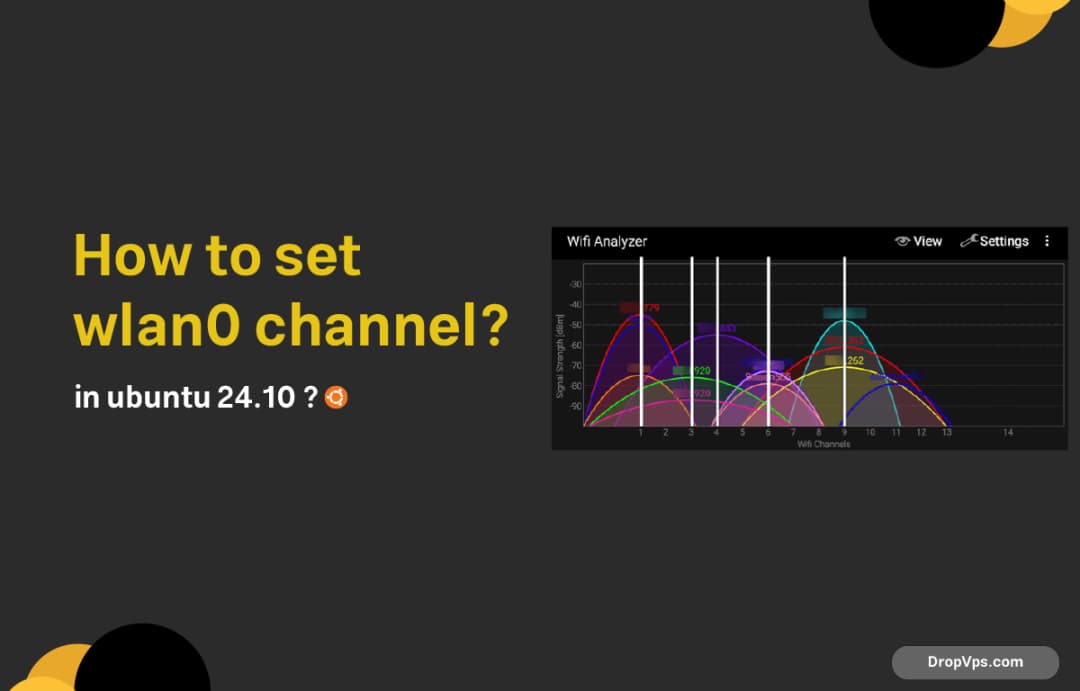
How to set wlan0 channel in ubuntu 24.10 ?
What you will read?1 Step 1: Check Current Channel2 Step 2: Install Required Tools3 Step 3: Set wlan0 to Monitor Mode (if needed)4 Step 4: Confirm the Channel5 Step 5: Restore to Managed Mode (Optional) To change the Wi-Fi channel on interface wlan0, you need to make sure the interface is in monitor mode or…

How to install .NET in Ubuntu?
What you will read?1 Step 1: Install Prerequisites2 Step 2: Add Microsoft Package Repository3 Step 3: Install the .NET SDK4 Step 4: Install the .NET Runtime Only (Optional)5 Step 5: Verify Installation6 Step 6: Create a Sample Console App (Optional) Installing .NET on Ubuntu is straightforward using Microsoft’s official package repositories. Here’s how to get…

How to install kernel in Ubuntu?
First, check your current kernel version: uname -r If you want to upgrade or manually install a new kernel, one safe method is using the official Ubuntu Mainline Kernel builds. To download and install a newer kernel version manually: Go to the Ubuntu Kernel PPA:https://kernel.ubuntu.com/~kernel-ppa/mainline/ Pick the version you want (e.g., v6.8.x). Right-click the .deb…

How do I install neofetch on Ubuntu?
To install Neofetch on Ubuntu, open your terminal and run the following command: sudo apt update sudo apt install neofetch -y Once installed, you can run it by typing: neofetch This will display your system information in a stylish and colorful way directly in the terminal. If for any reason Neofetch is not available via…