Cooper Reagan
539 posts

How to Check if Port 587 Is Open on Ubuntu
What you will read?1 Using Netcat (nc)2 Using Telnet3 Using Nmap4 Using ss Command5 Using netstat (For Older Systems)6 Checking Firewall Rules Port 587 is commonly used for secure email submission via SMTP. Ensuring it is open is crucial for sending emails through your mail server. This guide provides different methods to check if port…

Deploying an Anti-Spam Filter for Your VPS Mail Server
What you will read?1 Install SpamAssassin2 Configure SpamAssassin Rules3 Enable Postscreen in Postfix4 Use Rspamd for Advanced Filtering5 Enable Greylisting with Postgrey6 Use DNS Blacklists (DNSBLs)7 Monitor and Adjust Filters Spam emails can flood your mail server, consume resources, and damage your domain reputation. Attackers use spam to distribute malware, phishing attempts, and fraudulent messages.…
How to Secure Email Ports on VPS Against Spam and Attacks
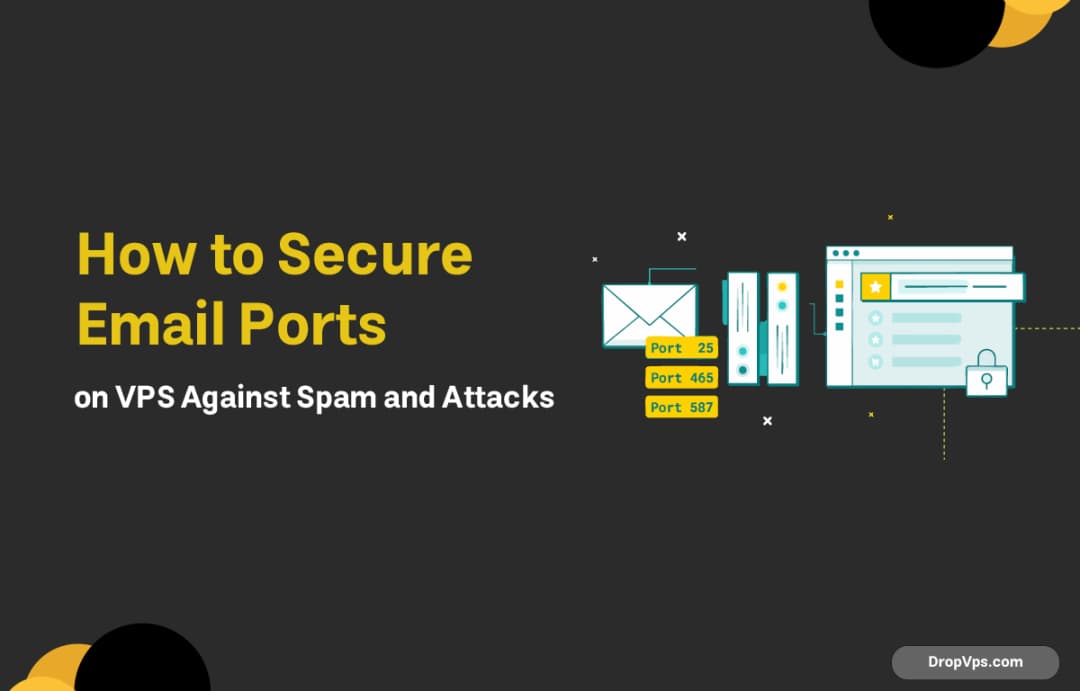
Email servers use specific ports for sending and receiving messages. The most common ones include: SMTP (Simple Mail Transfer Protocol): Port 25 (default, often blocked by ISPs), 465 (SSL), and 587 (STARTTLS) for outgoing mail. IMAP (Internet Message Access Protocol): Port 143 (unencrypted) and 993 (SSL/TLS) for incoming mail. POP3 (Post Office Protocol): Port 110…

How to change and add DNS records in cPanel
The server address is resolved with the domain names using DNS (Domain Name Service). There are numerous A, TXT, MX, CNAME, etc. record types in this instance of DNS. Each type of DNS record has a separate function; for instance, an A record resolves the server’s IP address to the given domain, while an MX…

How to Install Gnome on Centos?
What you will read?1 Check Your CentOS Version2 Enable Extra Repositories for GNOME3 Install GNOME Desktop Environment4 Set GNOME as the Default Desktop Environment5 Reboot Your System If you’re using CentOS and looking to install the GNOME desktop environment, you’ve come to the right place. In this guide, we will walk you through the process,…
How install LEMP on Ubuntu?
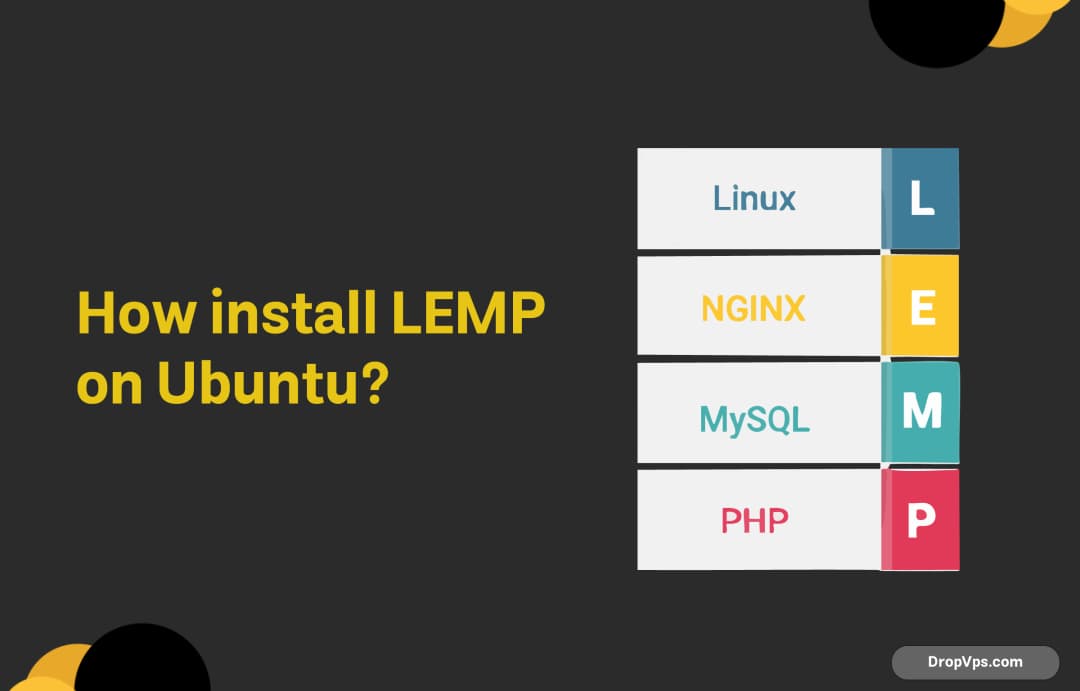
What you will read?1 Update System Packages2 Install Nginx3 Install MySQL4 Install PHP5 Configure Nginx to Use PHP6 Start and Enable Services7 Test Your LEMP Stack Setting up a LEMP stack (Linux, Nginx, MySQL, PHP) on an Ubuntu server is a great way to run your websites or web applications efficiently. In this guide, we’ll…
Port Forwarding for VPN Connections
What you will read?1 Why Port Forwarding is Needed for VPN Connections2 How to Set Up Port Forwarding for VPN Port forwarding is an essential step for ensuring that VPN traffic can properly reach the VPN server from the client side, especially when you’re behind a router or firewall that may block or restrict certain…
Configuring PostgreSQL for SSL Connections
What you will read?1 Step 1: Place SSL Certificates in the PostgreSQL Data Directory2 Step 2: Modify PostgreSQL Configuration File3 Step 3: Configure pg_hba.conf for SSL Connections4 Step 4: Restart PostgreSQL5 Step 5: Verify SSL Configuration Once you have generated the SSL certificates, the next step is to configure PostgreSQL to use them for secure…
Generating SSL Certificates for PostgreSQL
What you will read?1 Generate a Private Key2 Create a Certificate Signing Request (CSR)3 Generate the SSL Certificate4 Set Permissions To enable SSL for PostgreSQL, generating valid SSL certificates is a crucial step. These certificates ensure that the communication between the PostgreSQL server and its clients is encrypted and authenticated. Below are the steps to…