


How to change the remote desktop name ?
Changing the Remote Desktop name on your system is useful for easier identification of computers in a network, especially in large setups or for remote management purposes.
Read More
Linux systems engineer with 8+ years running production web infrastructure. John writes hands-on tutorials about server administration, Nginx, Docker and everything that keeps a VPS healthy — every guide is tested on a live server before it's published.
183 posts
Changing the Remote Desktop name on your system is useful for easier identification of computers in a network, especially in large setups or for remote management purposes.

Forgetting your CentOS 9 password can be frustrating, but you can regain access by following a few simple steps. This guide explains the process clearly, safely, and efficiently.

Forgetting your Debian 13 password can be stressful, but the good news is that you can reset it safely using Recovery Mode without reinstalling the operating system. This guide explains the process step by step in a simple and clear way, even for beginners.

Forgetting your Ubuntu password can lock you out of your system, but don’t worry—Ubuntu 25 allows you to reset your password safely using Recovery Mode without reinstalling the OS or losing data.

Cloudflare WARP is a secure, fast DNS and VPN-based service that improves privacy and internet performance. In this guide, you’ll learn how to install and set up Cloudflare WARP on Ubuntu 25.04 using the official repository, with clear steps and simple commands optimized for beginners and SEO.
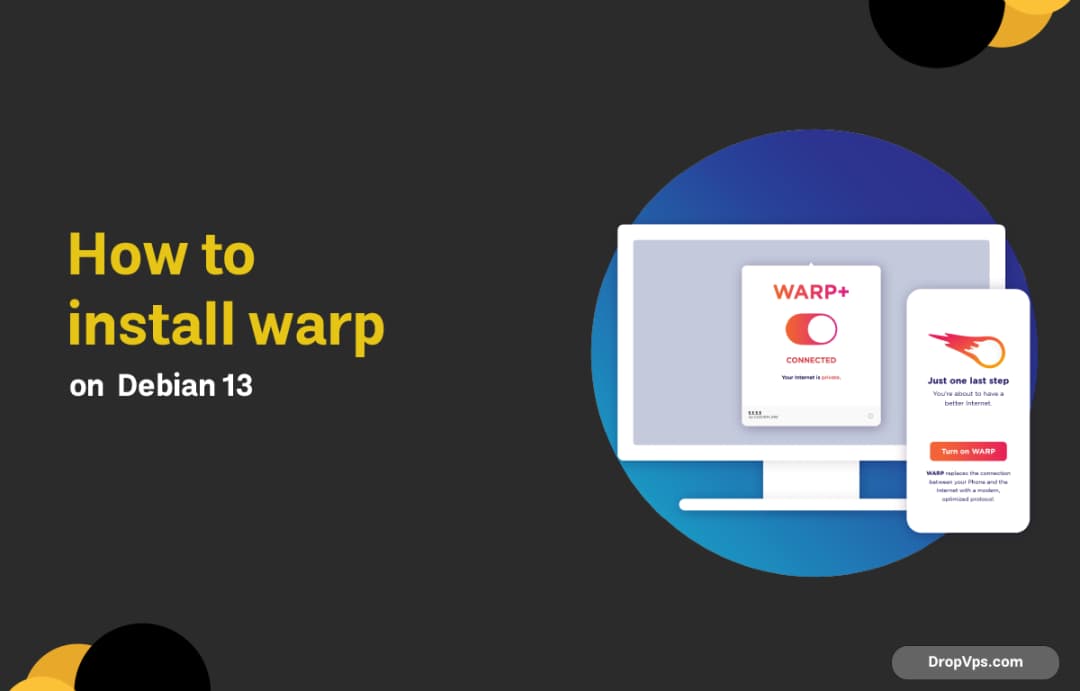
Cloudflare WARP is a fast and secure VPN-like service that encrypts your internet traffic and improves privacy without slowing down your connection. In this guide, you will learn how to install and configure Cloudflare WARP on Debian 13 using the official APT repository, step by step.

Spotify is one of the most popular music streaming platforms, and installing it on Debian 13 is simple and secure when using official repositories

Installing Spotify on Ubuntu 25.04 is simple and can be done using official and secure methods. In this guide, you’ll learn the best ways to install Spotify so you can enjoy music streaming with full system integration and automatic updates.

Vivado is Xilinx’s primary IDE for FPGA and SoC development. Installing it on Windows Server (2019 / 2022) is straightforward, but you need to prepare the system properly to avoid installer errors and driver issues.