

Table of Contents
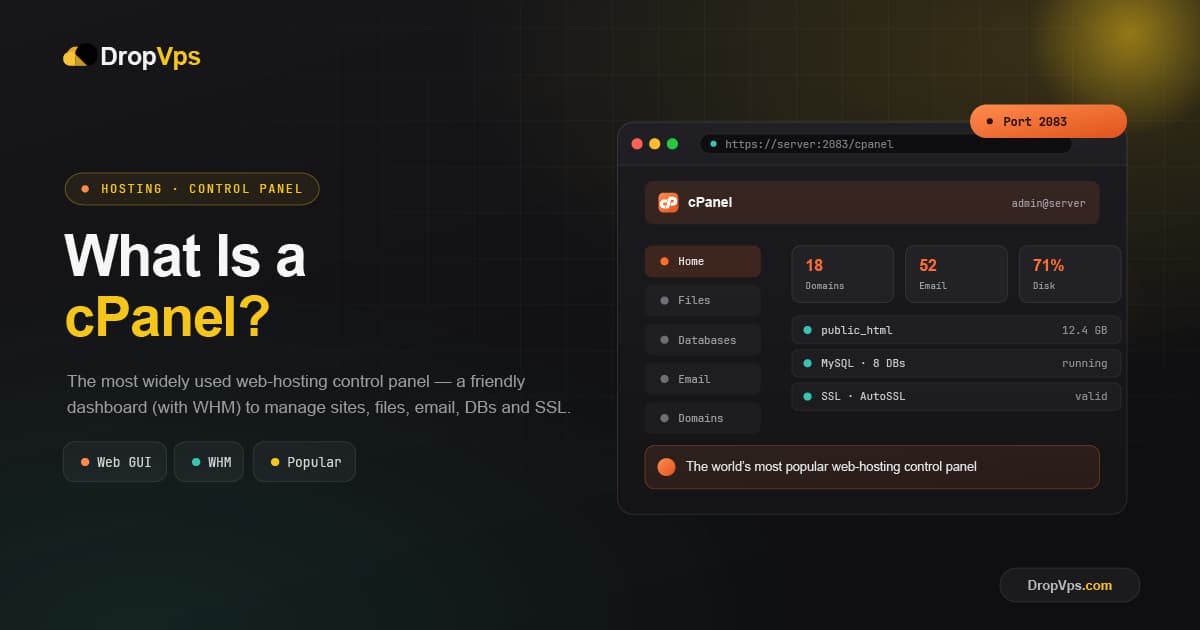
cPanel is a web-based hosting control panel that lets you manage a website, domains, email accounts, databases, and files through a graphical interface, instead of using the command line.
It runs on Linux servers and is the most widely adopted control panel in the hosting industry, used by shared hosting, reseller hosting, VPS, and dedicated server environments. cPanel handles the day-to-day administration of a hosting account.
How cPanel Works
cPanel provides a graphical interface that simplifies tasks which would otherwise require manual server configuration, such as creating email accounts, managing files, installing applications, and configuring DNS records.
cPanel works alongside a companion tool called WHM (Web Host Manager), and the two operate at different levels:
| Tool | Used By | Manages |
|---|---|---|
| cPanel | Website owners / end users | A single hosting account: files, email, databases, domains |
| WHM | Server administrators, resellers | The entire server, including all cPanel accounts on it |
On a VPS or dedicated server, the server owner uses WHM to create and manage individual cPanel accounts, while each website owner logs into their own cPanel to manage just their account.
Core cPanel Features
cPanel groups its tools into a dashboard of icons covering every common hosting task:
File Manager               - upload, edit, and organize website files from the browser
Email Accounts             - create mailboxes, forwarders, autoresponders, and filters
MySQL Databases            - create and manage databases with phpMyAdmin
Domain Manager             - add domains, subdomains, and parked domains
SSL/TLS Manager             - install and manage SSL certificates
Softaculous App Installer  - one-click install for WordPress, Joomla, Drupal, and more
Backup & Restore           - generate and restore full or partial account backups
Security Tools              - IP blocker, password-protected directories, hotlink protection
cPanel vs DirectAdmin
cPanel is often compared to DirectAdmin, since both are graphical control panels for Linux hosting environments.
| Aspect | cPanel | DirectAdmin |
|---|---|---|
| Market adoption | Industry standard, widest adoption | Smaller but established user base |
| Resource usage | Heavier on server resources | Lightweight, lower overhead |
| Interface | Detailed, icon-heavy dashboard | Simpler, minimalist layout |
| Licensing cost | Generally more expensive | More affordable |
cPanel's popularity comes largely from its extensive support documentation and the fact that nearly every hosting provider supports it, which makes migrating between hosts straightforward.
Related Guide
Linux VPS Hosting PlansGet a Linux VPS with the resources needed to run cPanel and manage your hosting account smoothly.
cPanel remains the most widely supported control panel in web hosting, making it a dependable choice for anyone who wants broad compatibility and an extensive feature set without touching the command line.

Follow DropVPS on Google
Add DropVPS as a preferred source to see our latest VPS guides and tutorials surfaced first in Google Search and AI Overviews.
Need Remote Desktop Access?
DropVPS Admin RDP lets you access a full Windows desktop from anywhere — high-speed connection, dedicated IP, and instant deployment.
- Windows Desktop
- Dedicated IP
- High-Speed RDP
- Instant Setup
No commitment · Cancel anytime