

Table of Contents
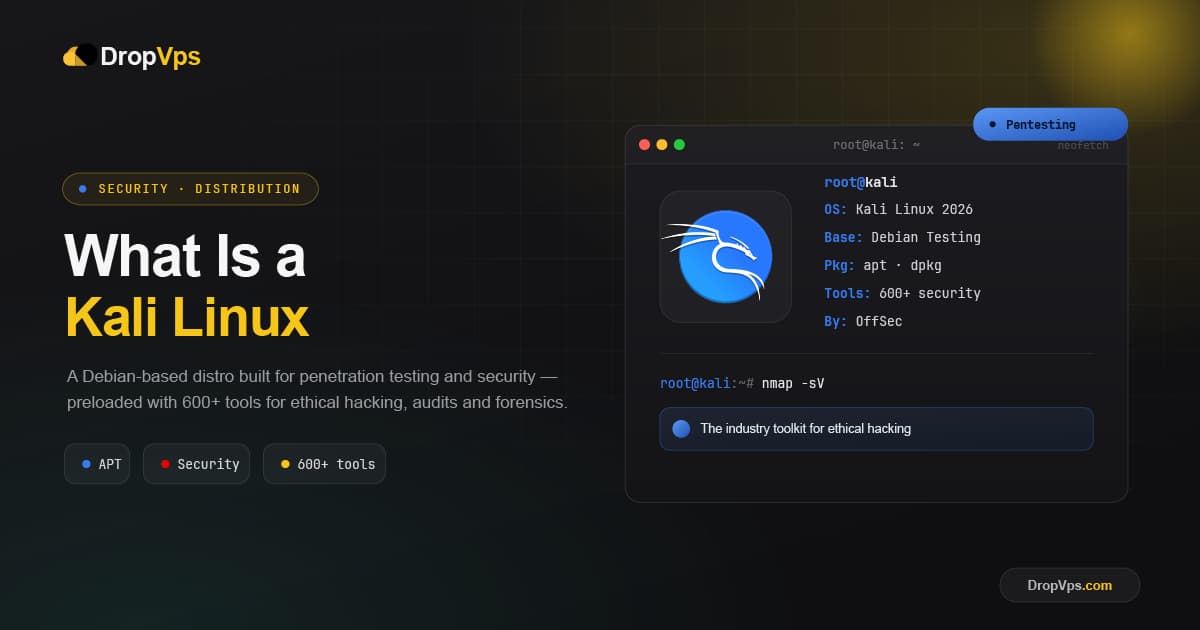
Kali Linux is a free, open-source, Debian-based Linux distribution built specifically for cybersecurity work such as penetration testing, ethical hacking, security research, and digital forensics. It comes pre-loaded with hundreds of security tools, so professionals can test and defend systems without installing everything by hand.
Kali is developed and maintained by OffSec and is the industry-standard platform for authorized security testing. It is a specialized, professional toolkit meant to be used legally, only on systems you own or have explicit written permission to test.
Quick Facts
| Developer | OffSec |
| Based on | Debian (Testing branch) |
| Release model | Rolling release |
| Latest point release | Kali Linux 2026.1 |
| Default desktop | Xfce (KDE and GNOME available) |
| Main use | Penetration testing and security |
Who Makes Kali Linux
Kali is built and funded by OffSec, the security training company behind certifications like the OSCP. It is the successor to the older BackTrack distribution and is rebuilt around Debian for stability. Because OffSec also publishes the full build scripts, security professionals can inspect and trust exactly how Kali is made.
A Rolling Release for Security
Kali follows a rolling-release model, so as soon as updated tools and packages are ready, they ship. To make installation simple, OffSec also publishes quarterly "point releases" such as Kali 2026.1, which are tested images that bundle the latest updates. Keeping an installed system current uses standard Debian commands:
sudo apt update && sudo apt full-upgradeWhat Is Inside Kali
Kali's main strength is its huge, ready-to-use security toolkit. The included tools cover the full range of professional security work:
- Information gathering for mapping networks and targets.
- Vulnerability analysis to find weaknesses in systems.
- Web application testing for sites and web services.
- Wireless attacks for assessing Wi-Fi security.
- Exploitation frameworks such as Metasploit.
- Password and forensics tools for analysis and recovery.
Kali Platforms and Editions
Kali runs almost anywhere, which is part of why it is so widely used:
- Installer and Live images for bare-metal machines and USB boot.
- Virtual machines for VMware and VirtualBox, isolated from your main system.
- WSL to run Kali tools directly inside Windows.
- ARM and cloud images for devices like the Raspberry Pi and cloud servers.
- Kali NetHunter for penetration testing from Android devices.
- Containers via Docker and LXC for quick, lightweight access to the toolset.
Key Features of Kali Linux
- Hundreds of pre-installed tools ready for professional security work.
- Built on Debian for a stable, familiar base.
- Rolling updates that keep security tools current.
- Runs everywhere from laptops and VMs to phones and the cloud.
- Fully open and transparent, with published build scripts.
Important: Legal and Ethical Use
Kali is a professional tool, and its capabilities must be used responsibly. Only test systems that you own or have explicit, written authorization to assess. Unauthorized access to computers or networks is illegal in most countries, regardless of intent. Used correctly, Kali is a powerful resource for defenders, researchers, and learners.
What Kali Linux Is Used For
- Penetration testing of networks, systems, and applications.
- Security research and vulnerability assessment.
- Digital forensics and incident response.
- Cybersecurity training and certification practice, including in lab environments and CTF competitions.
Kali Linux 2026.1
Download the latest official Kali Linux images directly from OffSec.
Download from Official Website →Closing Thoughts
Kali Linux is the go-to platform for authorized security testing, packing hundreds of professional tools into a stable, Debian-based system that runs on almost any device. With the latest Kali 2026.1, it remains the standard choice for ethical hackers, security researchers, and anyone learning cybersecurity the right way.

Follow DropVPS on Google
Add DropVPS as a preferred source to see our latest VPS guides and tutorials surfaced first in Google Search and AI Overviews.
Need a Windows Server?
DropVPS Windows VPS gives you full Admin RDP access, instant setup, and dedicated resources — run any Windows workload without limits.
- Full Admin Access
- RDP Ready Instantly
- Dedicated Resources
- 24/7 Support
No commitment · Cancel anytime