

Table of Contents
A Linux VPS is a Virtual Private Server that runs a Linux operating system. It gives you your own private, isolated server environment, with dedicated CPU, RAM, and storage, plus full root access, all running on top of the stable and open-source Linux platform. It is the most popular type of VPS for websites, applications, and developers because it is fast, secure, and cost-effective.
If you understand what a VPS is and want to know why most people run it on Linux, this guide covers exactly what a Linux VPS is, how it works, how you connect to it, and what it is used for.
What Is a Linux VPS?
A Linux VPS is created when a provider splits one powerful physical server into several independent virtual servers and installs a Linux operating system on yours. Even though the physical hardware is shared, your VPS is isolated: it has its own reserved resources, its own OS, and its own settings that no other user can touch.
Think of it like an apartment in a building. The building (physical server) is shared, but your apartment (your Linux VPS) is private and locked, with its own utilities. What your neighbors do does not affect you. The "Linux" part simply means the operating system inside that apartment is Linux instead of Windows.
How Does a Linux VPS Work?
The technology behind every VPS is virtualization. A software layer called a hypervisor divides the physical server's hardware into separate compartments, and each compartment becomes one VPS with its own reserved CPU cores, memory, storage, and IP address.
On a Linux VPS, that compartment boots a Linux distribution instead of Windows. Because Linux is lightweight and does not need a graphical desktop to run, more of your resources go toward your actual workload. This is a big reason Linux VPS plans are faster and cheaper than Windows ones. You manage the server mostly through the command line, giving you precise control over everything you install.
Popular Linux Distributions for a VPS
When you order a Linux VPS, you choose a "distribution" (distro), a specific version of Linux. The most common beginner-friendly choices are:
- Ubuntu: The most popular choice. Easy to use, frequently updated, and backed by huge community support and documentation.
- Debian: Extremely stable and reliable. A great pick when you value rock-solid uptime over the newest features.
- AlmaLinux / Rocky Linux: Enterprise-grade distributions (CentOS successors) often used with control panels like cPanel.
- CentOS Stream: A community distribution that tracks upcoming Red Hat Enterprise Linux releases.
If you are just starting out, Ubuntu is usually the safest and easiest place to begin.
How You Connect to a Linux VPS
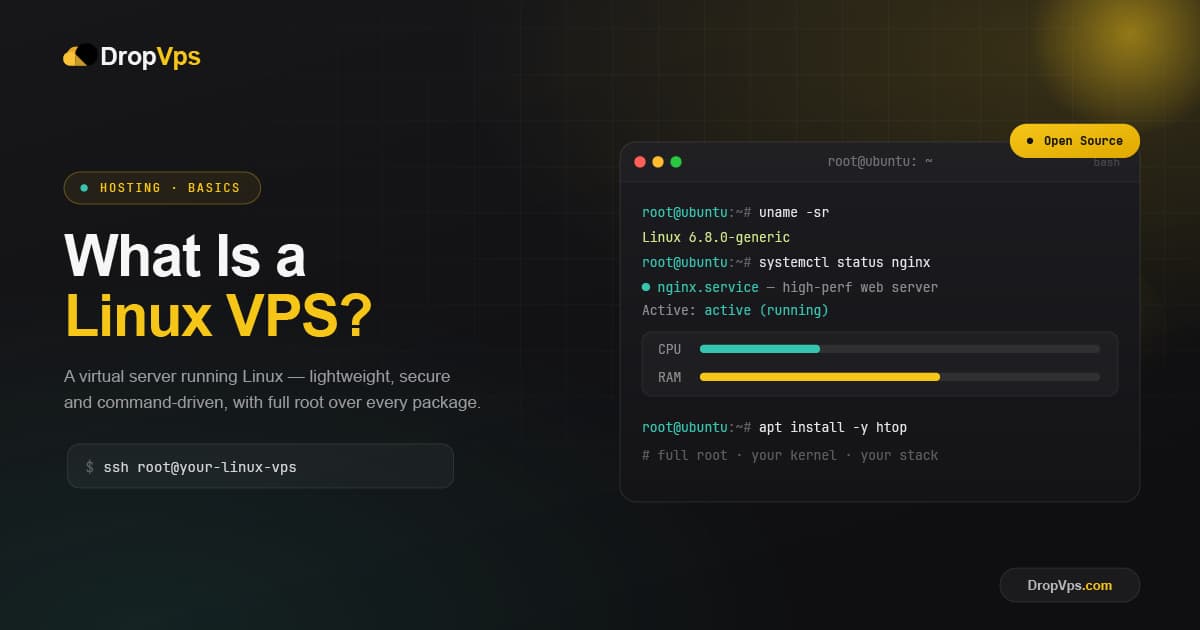
You manage a Linux VPS through SSH (Secure Shell), an encrypted connection to the server's command line. From macOS or Linux, you open a terminal and connect with the IP address your provider gives you:
ssh root@your-server-ipOn Windows, you can use the built-in terminal or a free SSH client such as PuTTY. Once connected, you can install software and apply updates. On Ubuntu or Debian, for example, you keep the system current with:
sudo apt update && sudo apt upgradeKey Benefits of a Linux VPS
- Lower cost: Linux is free and open source, so there are no operating-system license fees, which makes Linux VPS plans cheaper than Windows.
- Performance: No heavy graphical interface means more resources for your websites and applications.
- Security and stability: Linux is well known for strong security and long uptime, with fast community patches.
- Full root access: You control the entire software stack and can install almost anything.
- Flexibility: Ideal for popular web stacks like LAMP (Linux, Apache, MySQL, PHP) and modern tools such as Node.js, Python, and Docker.
Linux VPS vs Windows VPS
The main difference is the operating system and how you use it. A Linux VPS is managed mainly through the command line and is the standard choice for web hosting, apps, and developers who want speed and low cost. A Windows VPS gives you a familiar graphical desktop and is the right choice when you need Windows-only software such as MS SQL Server, ASP.NET, or specific desktop applications.
| Feature | Linux VPS | Windows VPS |
|---|---|---|
| Operating system | Linux (Ubuntu, Debian, AlmaLinux) | Windows Server |
| How you manage it | Command line (SSH) | Graphical desktop (RDP) |
| Cost | Lower (no license fee) | Higher (Windows license) |
| Best for | Websites, apps, developers | Windows-only software and desktops |
If your project does not specifically require Windows, a Linux VPS is usually the more efficient and affordable option.
Related Guide
Windows VPS Hosting ExplainedNot sure which operating system to pick? See when a Windows VPS is the better fit.
What Is a Linux VPS Used For?
- Website and web app hosting that has outgrown shared hosting.
- Databases and APIs that need reserved, predictable resources.
- Development and testing environments you can fully configure.
- VPN servers, bots, and game servers that need to stay online 24/7.
- Forex and automated trading: a Forex VPS keeps trading platforms and bots running around the clock with low latency, even when your own computer is off.
Managed vs Unmanaged Linux VPS
A managed Linux VPS means the provider handles setup, updates, and security for you, which is ideal if you are not comfortable with the command line. An unmanaged (self-managed) Linux VPS gives you full control but expects you to install, secure, and maintain the server yourself. Choose managed for convenience, or unmanaged for maximum freedom and lower cost.
Closing Thoughts
A Linux VPS combines the power and control of a private server with the speed, security, and low cost of open-source Linux. For websites, applications, and developers who want the best performance for their money, it is the go-to choice, and once you pick a distribution and decide between managed and unmanaged, getting started is straightforward.

Follow DropVPS on Google
Add DropVPS as a preferred source to see our latest VPS guides and tutorials surfaced first in Google Search and AI Overviews.
Need Remote Desktop Access?
DropVPS Admin RDP lets you access a full Windows desktop from anywhere — high-speed connection, dedicated IP, and instant deployment.
- Windows Desktop
- Dedicated IP
- High-Speed RDP
- Instant Setup
No commitment · Cancel anytime