


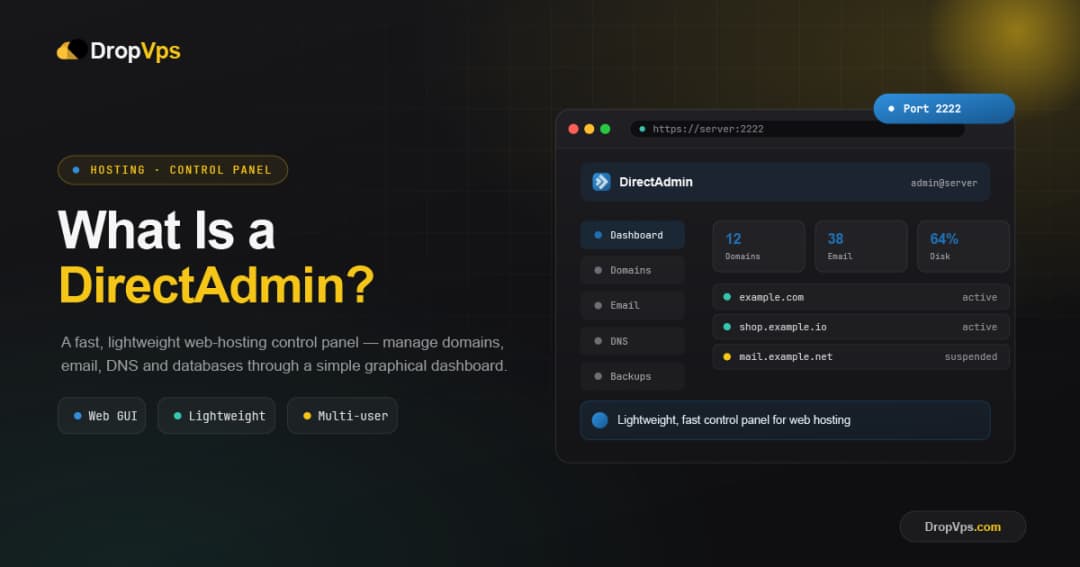
What is directadmin
DirectAdmin is a graphical web-based hosting control panel that lets you manage websites, domains, email accounts, databases, and server settings through a browser, instead of using the command line.
Read More
Network and security specialist focused on VPN protocols, proxies and server hardening. Cooper spends his days breaking and fixing tunneling setups (WireGuard, V2Ray, Xray) so readers can follow battle-tested configurations instead of guesswork.
585 posts
DirectAdmin is a graphical web-based hosting control panel that lets you manage websites, domains, email accounts, databases, and server settings through a browser, instead of using the command line.
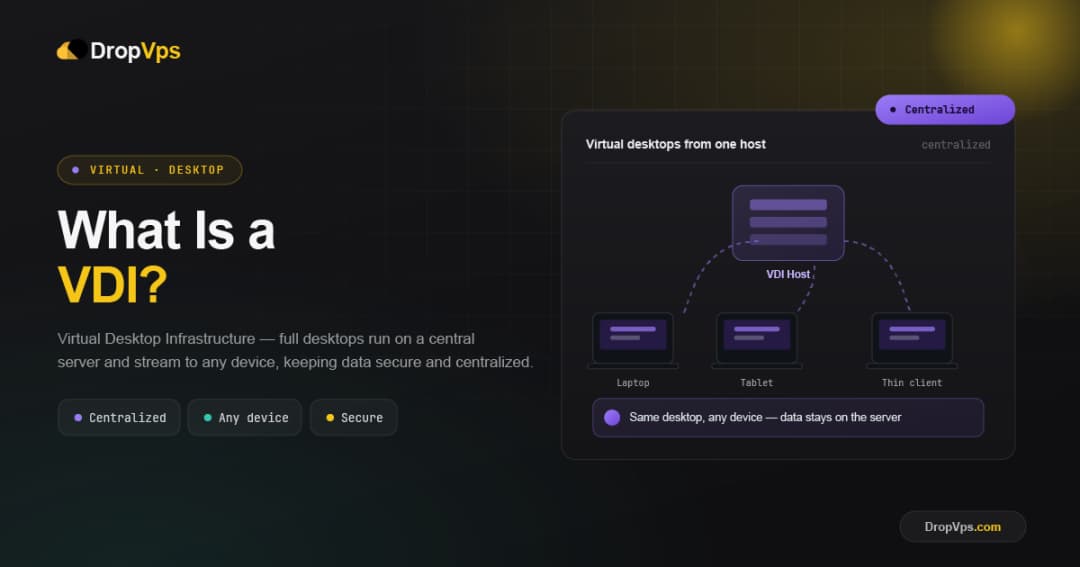
VDI stands for Virtual Desktop Infrastructure. It is a technology that hosts full desktop environments on centralized servers, so users can access their desktop, applications, and files remotely from almost any device.
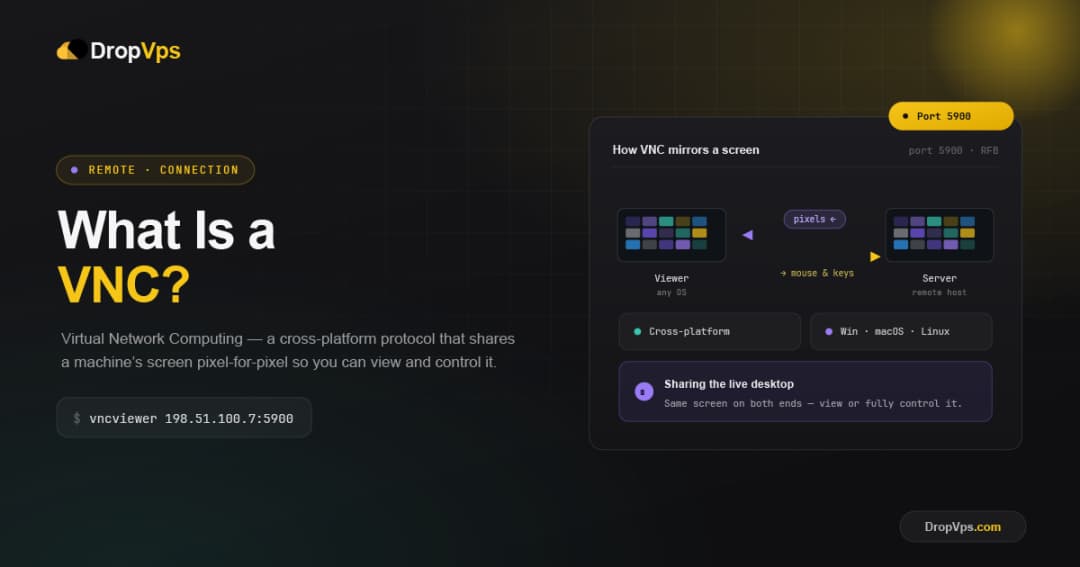
VNC stands for Virtual Network Computing. It is a remote desktop technology that lets you view and control another computer's screen over a network, using your own keyboard and mouse as if you were sitting in front of that machine.
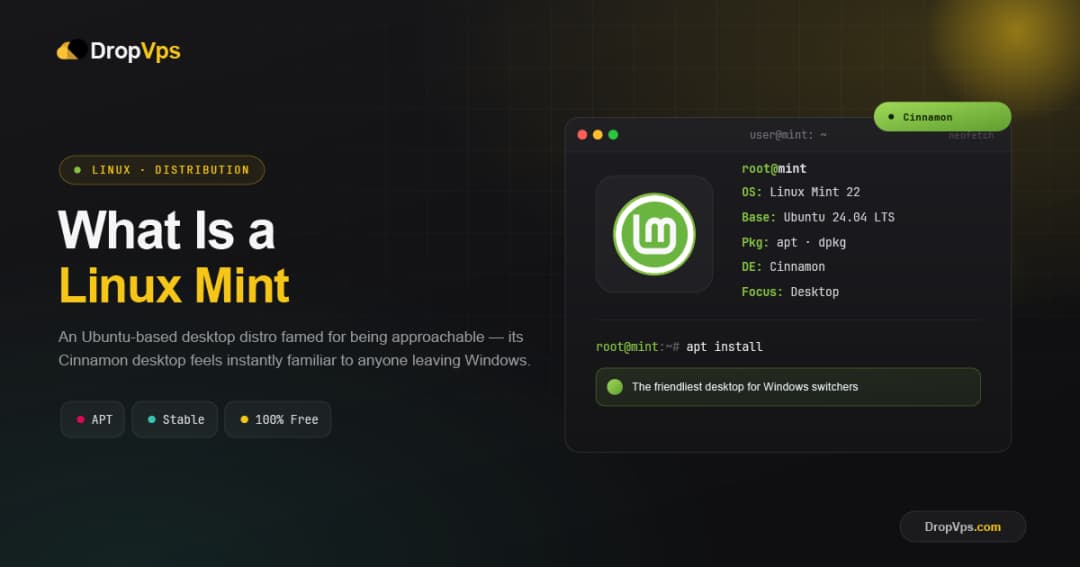
Linux Mint is a free, open-source Linux operating system built on Ubuntu and Debian, designed to be one of the easiest and most comfortable systems for everyday users. It offers a traditional desktop layout, works well out of the box, and is a favorite for people switching from Windows.
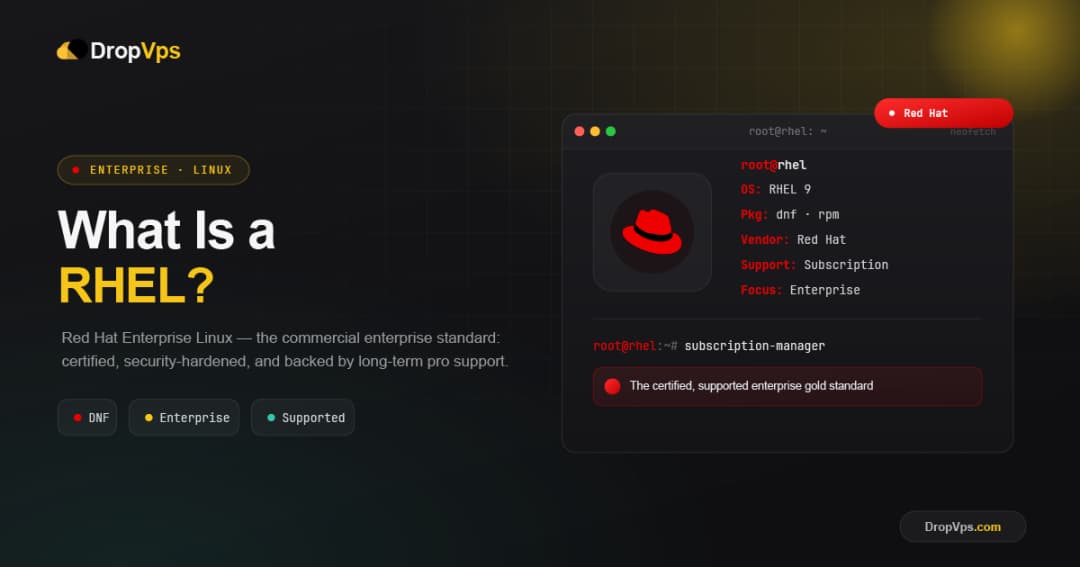
RHEL stands for Red Hat Enterprise Linux, a commercial, enterprise-grade Linux distribution developed by Red Hat (now part of IBM). It is one of the most trusted operating systems in business and is sold through a paid subscription that includes security updates, certified hardware and software support, and around 10 years of stability per major version.
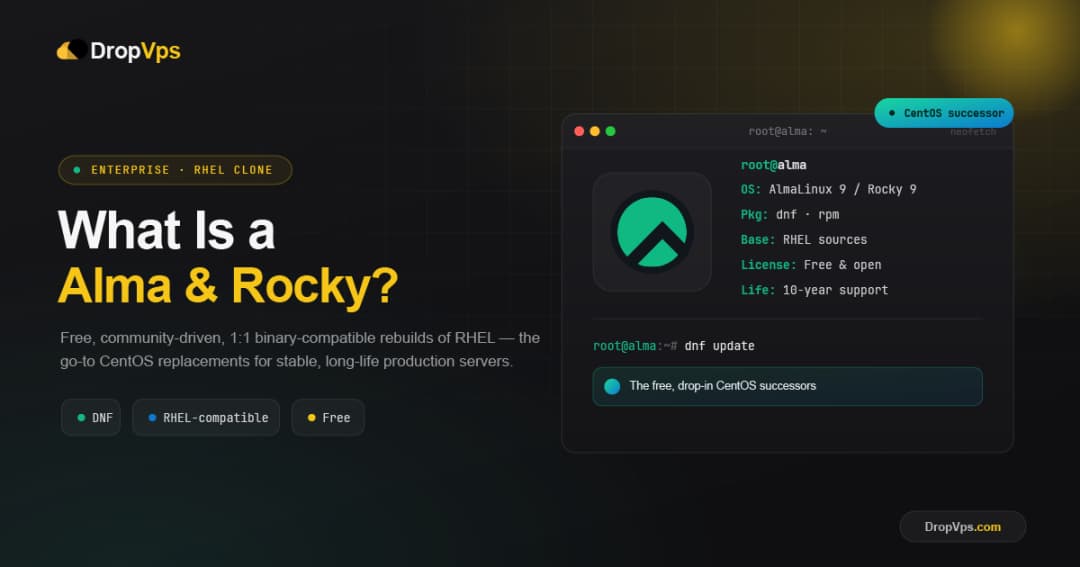
AlmaLinux and Rocky Linux are two free, open-source, enterprise-grade Linux distributions that are fully compatible with Red Hat Enterprise Linux (RHEL). They were created to replace the original CentOS after it changed direction, and both give you the stability and long support of RHEL without any licensing cost, which makes them extremely popular for servers.
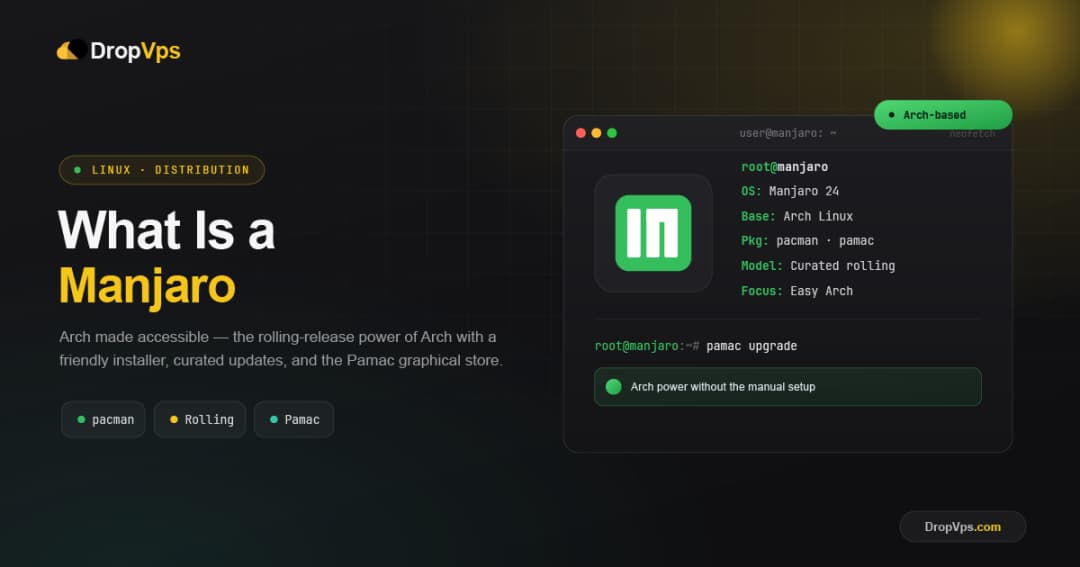
Manjaro is a free, open-source Linux distribution based on Arch Linux that delivers Arch's power and rolling-release software with a much easier, ready-to-use setup. It gives you a graphical installer, pre-configured desktops, and automatic hardware detection, so you get the benefits of Arch without the manual, command-line installation Arch normally requires.
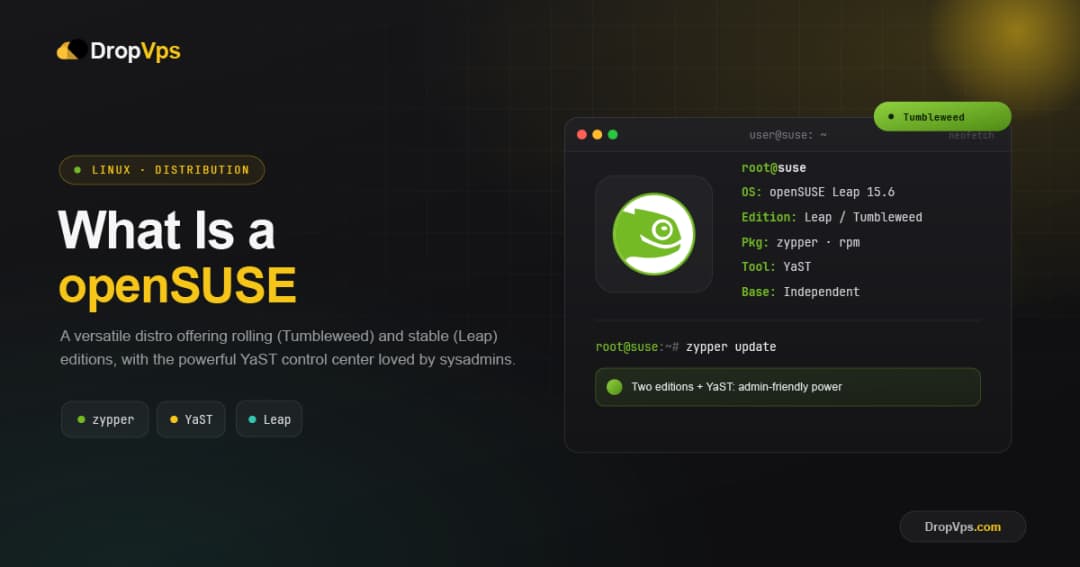
openSUSE is a free, open-source Linux distribution backed by SUSE and its community, known for the powerful YaST control center and serious engineering quality. It comes in two flavors: Leap, a stable fixed release, and Tumbleweed, a rolling release that always has the newest software.
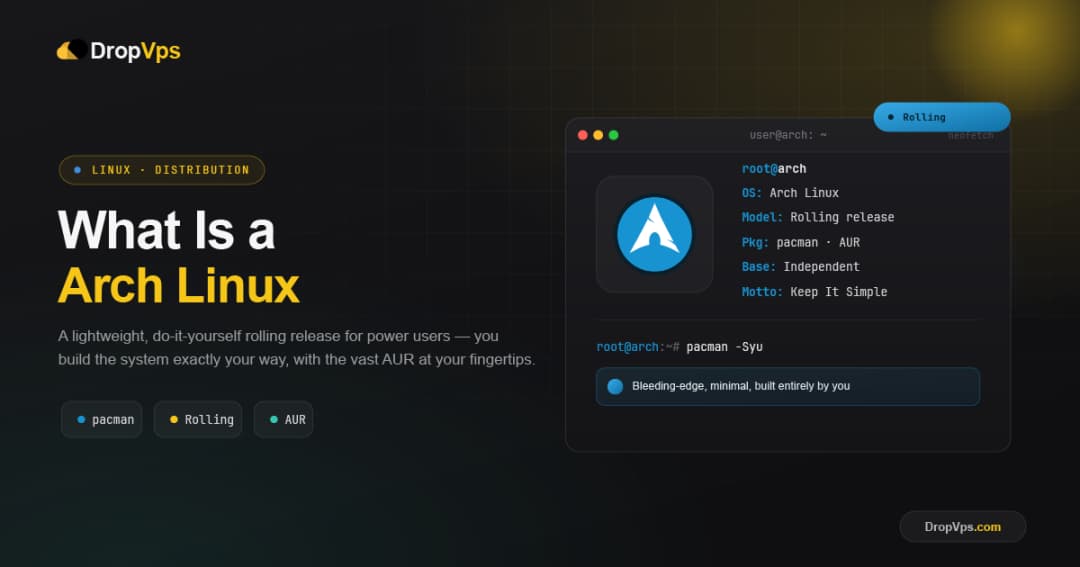
Arch Linux is a free, open-source, rolling-release Linux distribution built around simplicity, minimalism, and complete user control. Instead of fixed yearly versions, it updates continuously, and you assemble the system yourself from a minimal base, installing only the components you actually want.